

Vitality
Both are the same idea applied to different paperwork: capture it once, and let the totals take care of themselves
iOS
Photograph a receipt, get a categorized expense, and hand your accountant one PDF at the end of the quarter
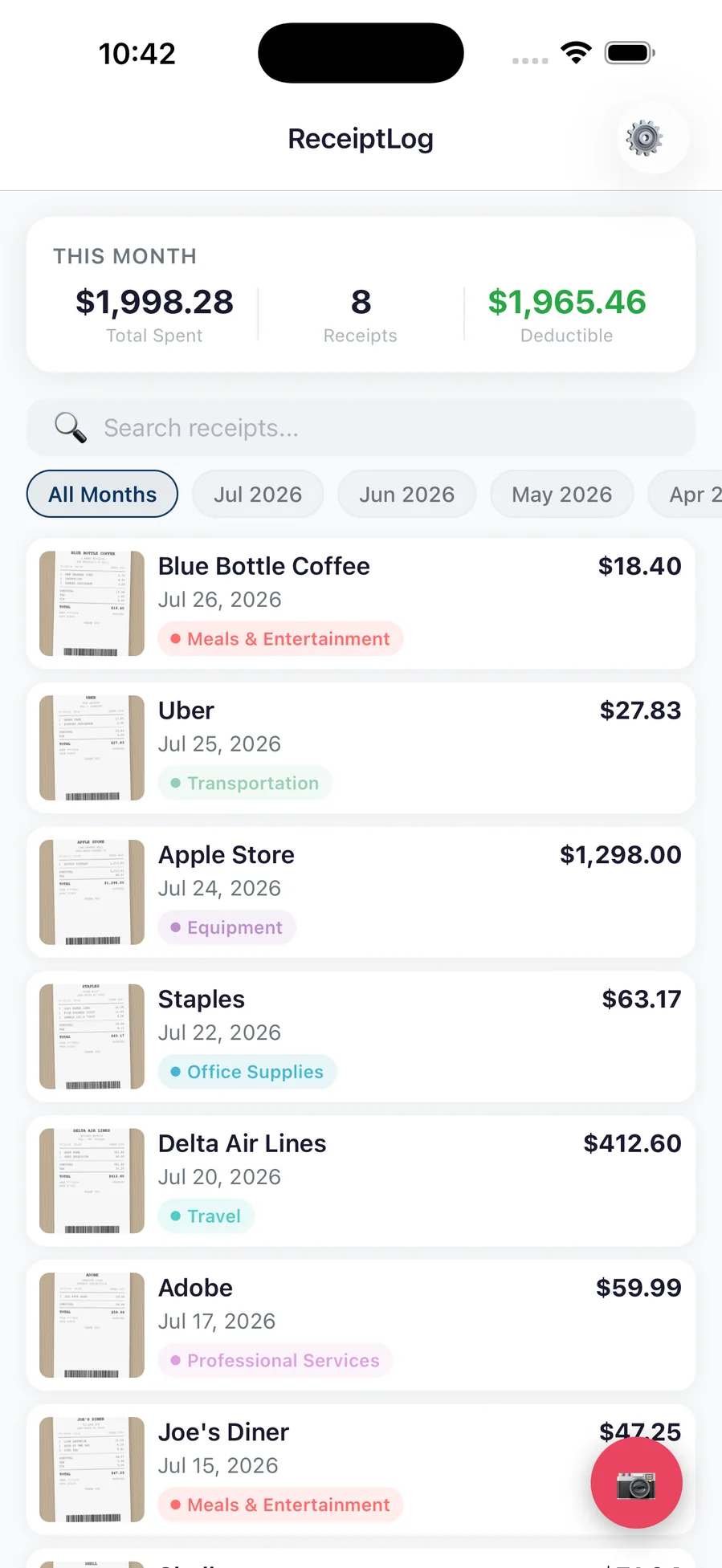
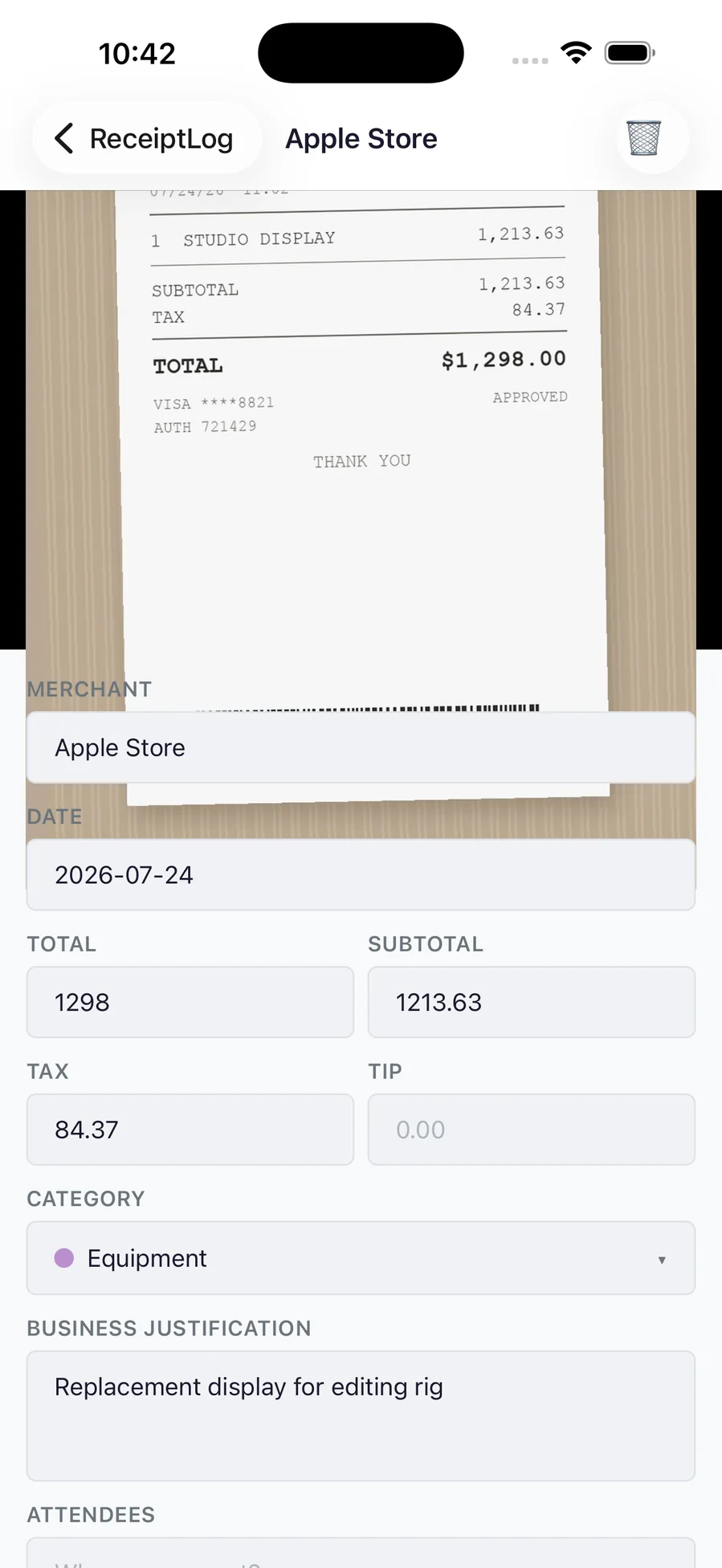
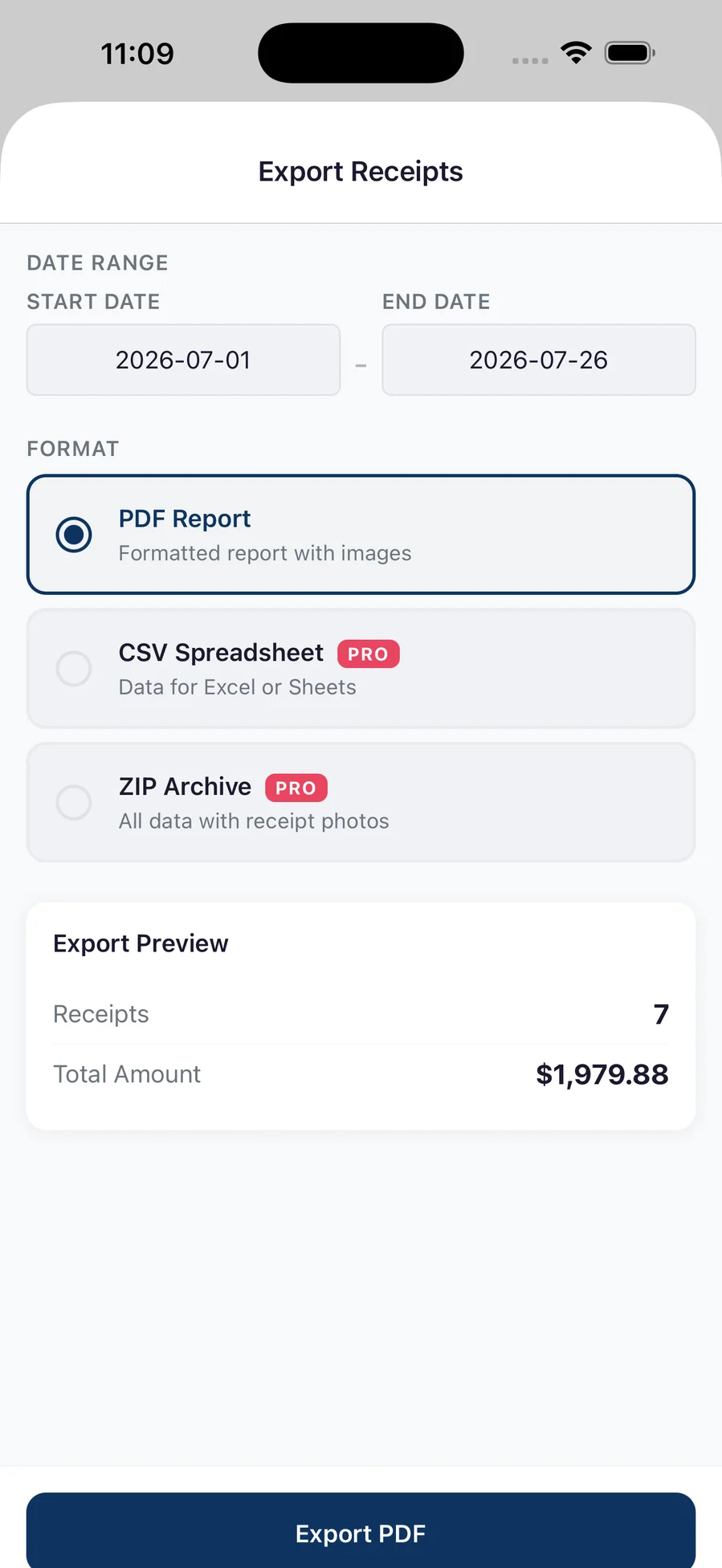
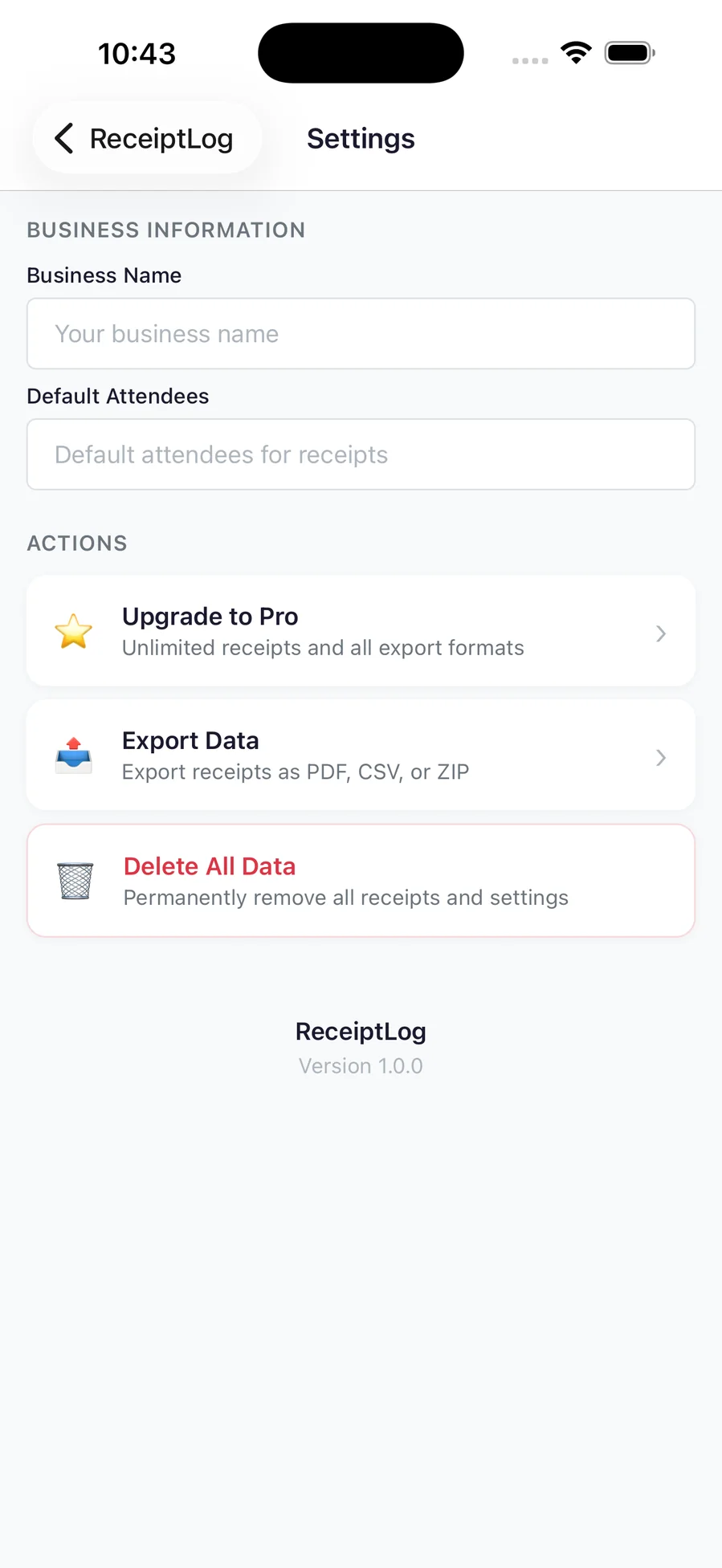
ReceiptLog is for the pile of paper in the glovebox. Photograph a receipt and it becomes a line in a list that is already totaled, already categorized, and already ready to hand over — with the photo still attached, so when someone asks what the $412.60 was, the receipt is right there. Merchant, date, total, tax and tip are read off the image and every one of them stays editable, because faded thermal paper is the normal case rather than the exception. It is built for a tax return rather than a budget: tax categories, a business justification, and an attendees field on the entries that need one, with a month header showing what you spent, how many receipts it took, and how much of it is deductible. At the end of the quarter, pick a date range and export it three ways — a formatted PDF report with the images, a CSV for a spreadsheet, or a ZIP containing the data and every photo — and the preview tells you exactly how many receipts and what total are in the range before you send anything. There is no sign-up and nothing to log in to; receipts live on your iPhone until you choose to export or share them. The free plan saves ten receipts a month and exports a PDF report. Pro is a one-time purchase — not a subscription — that removes the cap and adds CSV and ZIP export.
Sole traders, freelancers and anyone who spends the last week of the quarter flattening receipts on a kitchen table.
Two bugs, and the second one was worth money.
The export screen's preview panel read "0 receipts, $0.00" until you had already exported — the counts were only ever assigned inside the export function, so the panel that exists to tell you what you are about to send could only tell you what you had already sent. The expensive one was in the paywall: when the purchase backend was unconfigured, the handler fell through to flipping the local Pro flag and returning success. That branch was a development convenience with no build-type guard, so a shipped build would have handed every paid feature to anyone who tapped Subscribe, with no transaction behind it. It is now three explicit modes and the one a release build can reach grants nothing. The purchase SDK went next: StoreKit 2 talks to the App Store directly, which removed an account to configure and a third party from the receipt path — and immediately surfaced a third bug, because the default way to read purchases iterates every transaction ever made, including the ones Apple has refunded. A refunded purchase kept Pro forever. Pro also stopped being a monthly subscription; nothing in the app costs money to run, so charging rent for a fixed cost was the wrong shape.
Both are the same idea applied to different paperwork: capture it once, and let the totals take care of themselves
Built and running on my machine, but not packaged for release — so there's nothing honest to link to yet. Leave an email and you'll hear when it ships.
Web · iOS · Game
An arcade-idle bear ranch: hunt, stack the haul, run it to the sell table, upgrade, repeat
iOS
Contraction timer, hospital bag, feeds, diapers and sleep — one app for the last week of pregnancy and the first…
iOS
An offline guide to baby-led weaning: 211 foods, how to cut each one by age, meal ideas, and a journal to share with…
iOS
Tinder for your camera roll — swipe left to clean, right to keep, and nothing is deleted until you confirm
iOS
Meals, pantry and training in one place, with the nutrition math done for you — and optional AI that runs on your own…
iOS
A muscle map that shows which groups you actually trained this week, and an editor for writing the plans you actually…