
Upscalr
SwipeClean decides which photos are worth keeping; Upscalr makes the keepers bigger
iOS
Tinder for your camera roll — swipe left to clean, right to keep, and nothing is deleted until you confirm
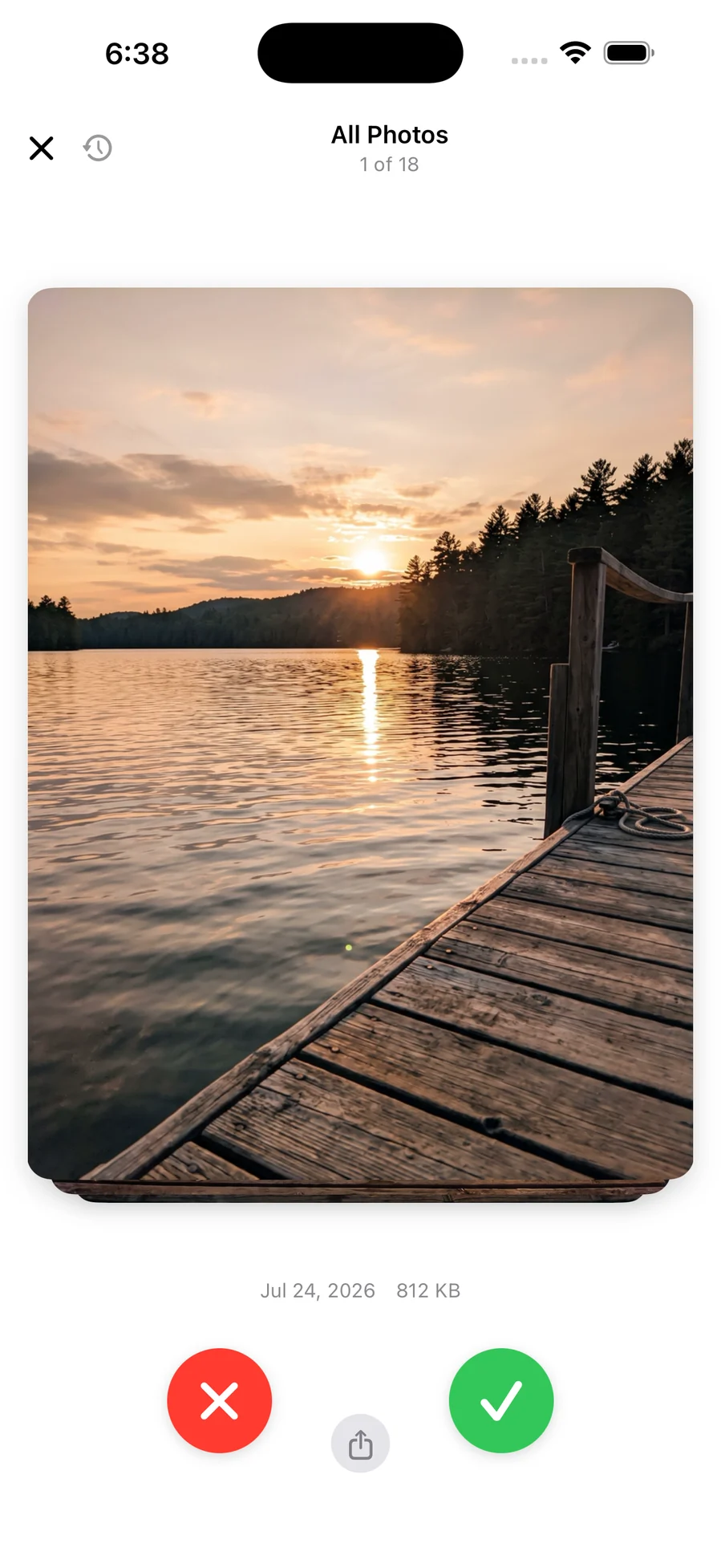
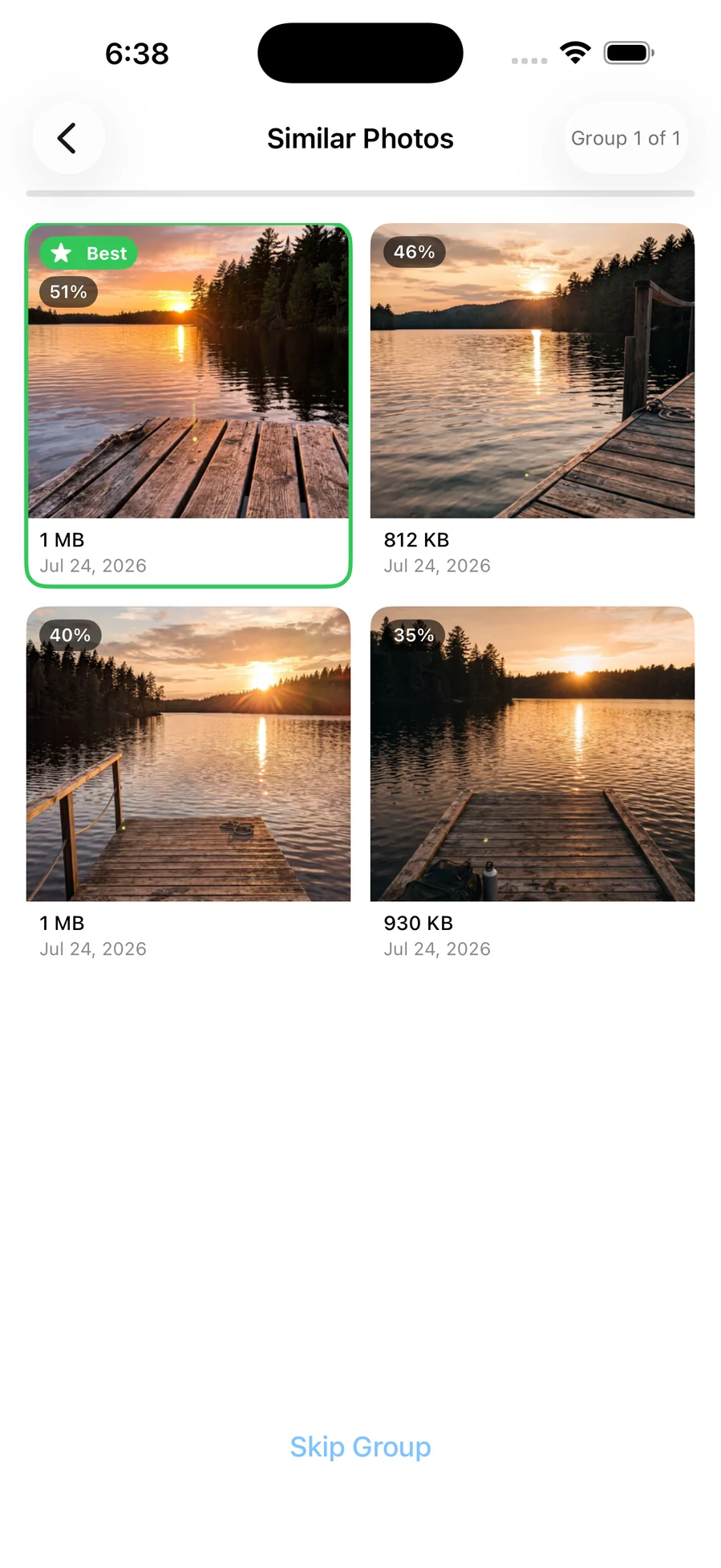
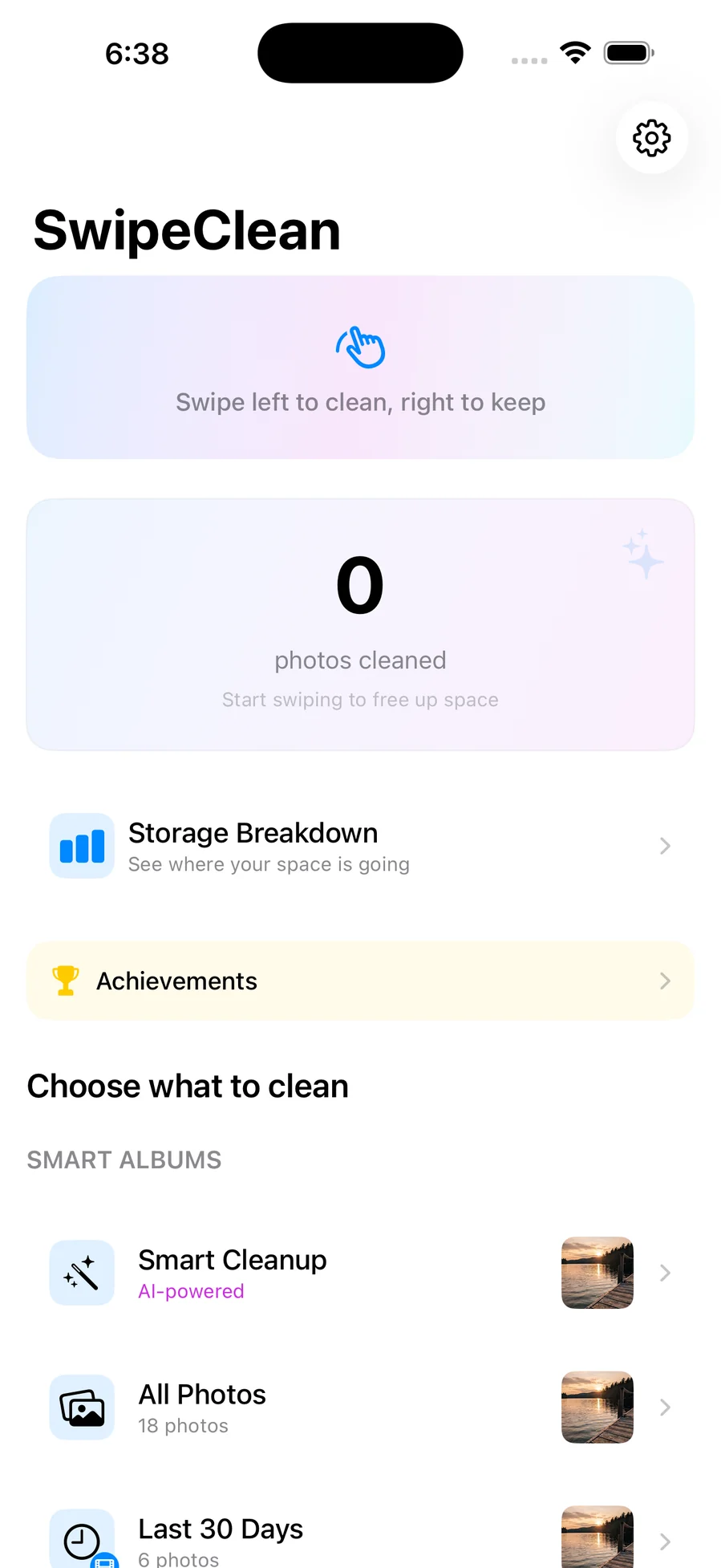
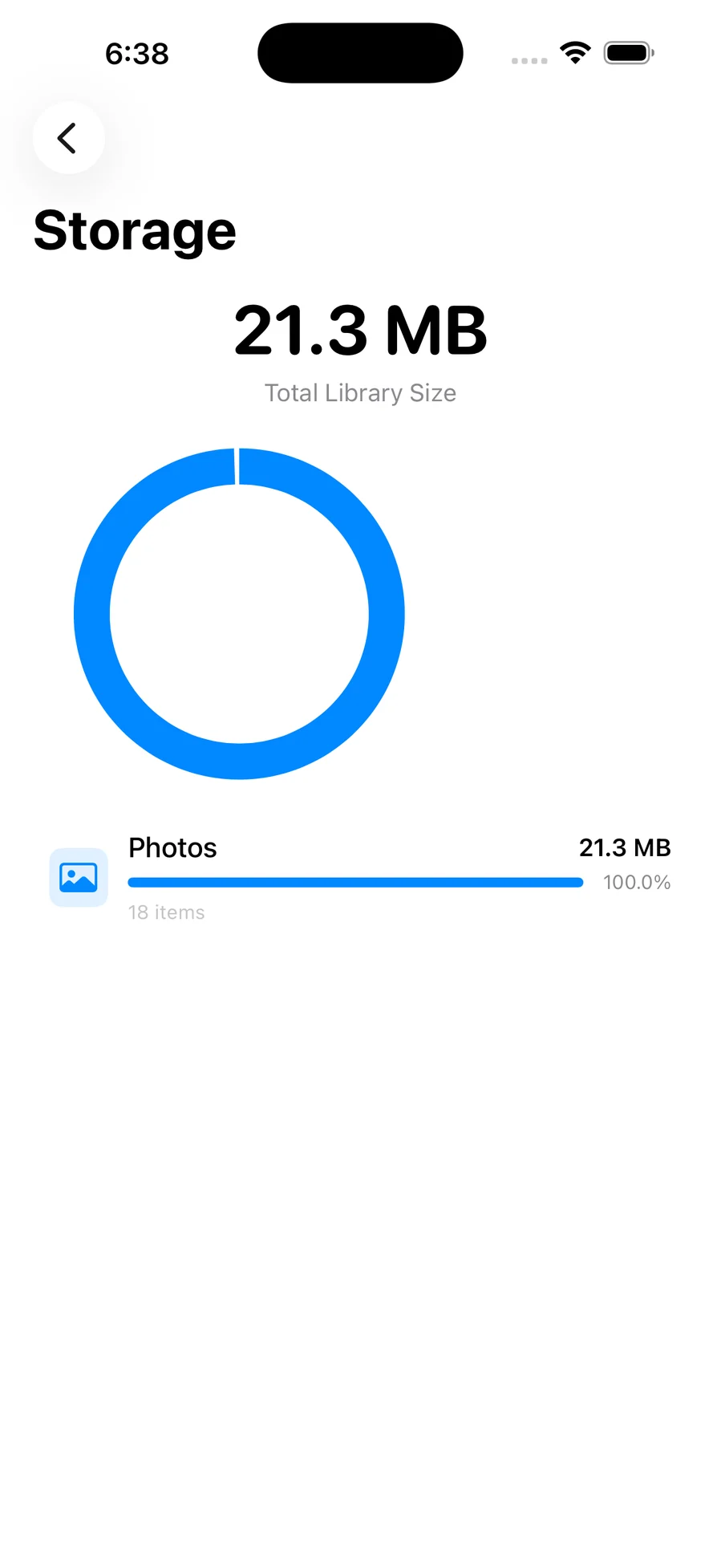
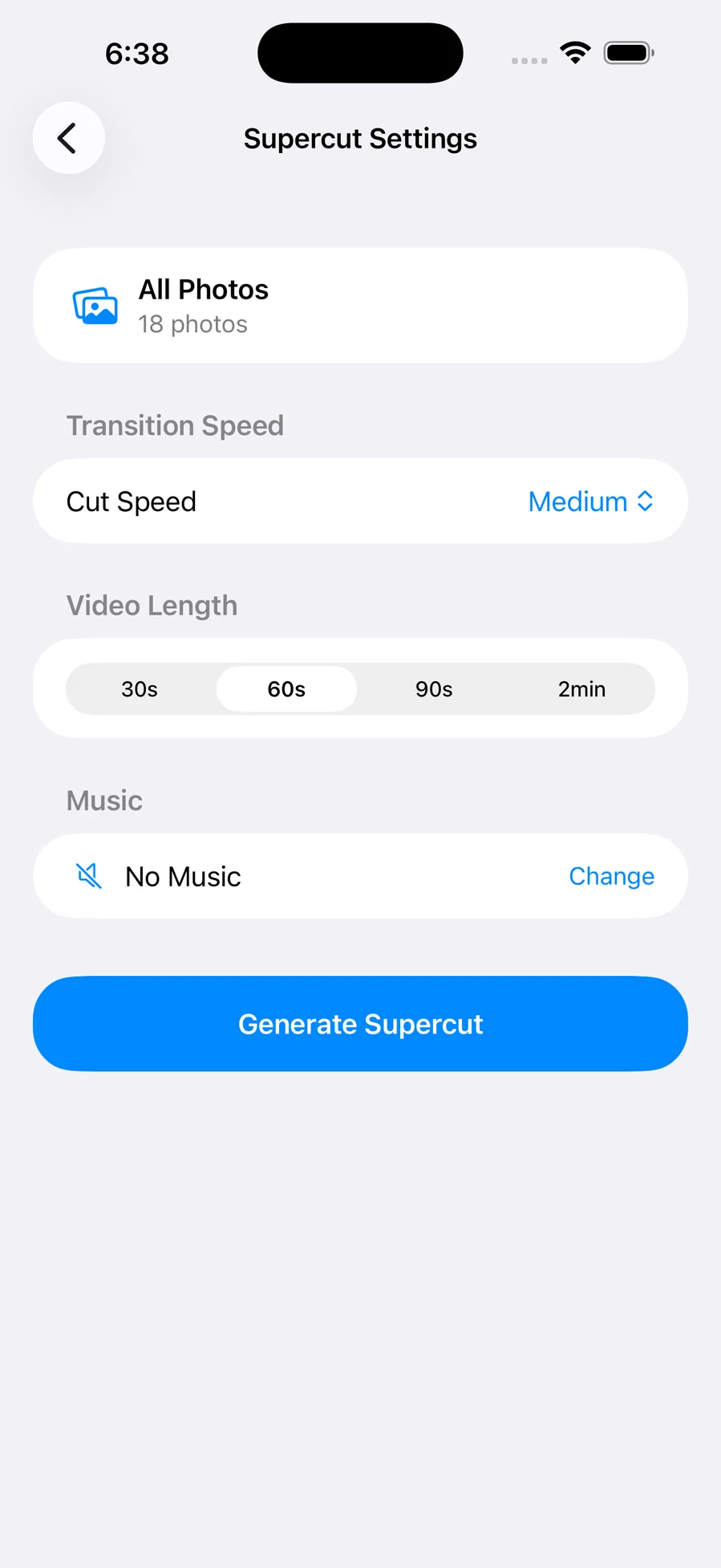
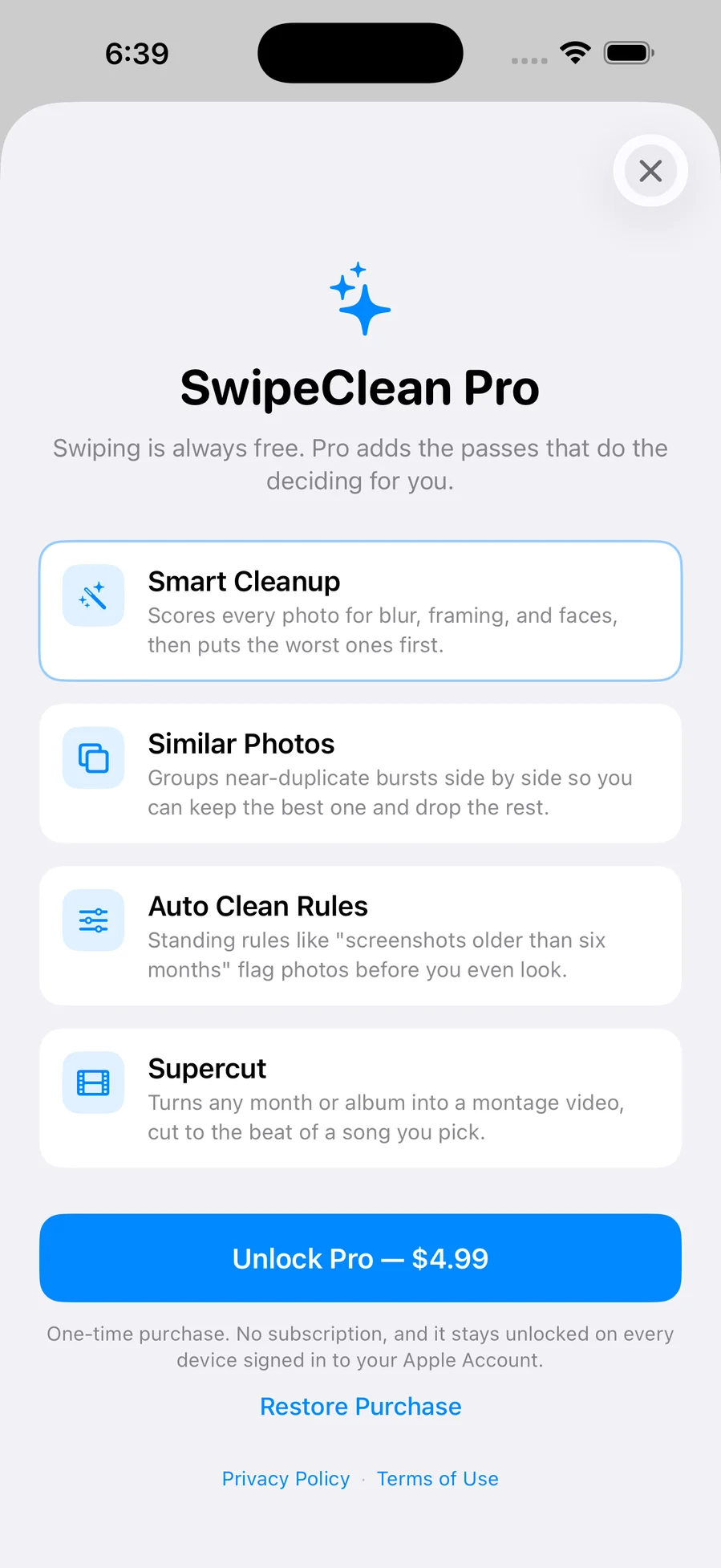
Your camera roll has thousands of photos and maybe a hundred you'd miss. SwipeClean is built to get you through the rest, one photo at a time, full screen, with real momentum and haptics. Nothing is deleted while you swipe: photos flicked left go to a queue you review as a grid before anything happens, and confirmed photos land in the Photos app's Recently Deleted album, where iOS keeps them for 30 days — the app cannot bypass that and doesn't pretend to. You pick where to start rather than scrolling from the beginning of time: Screenshots, Videos, Selfies, Live Photos, Favourites, On This Day, or any single month, each showing its own size so you can attack whichever is costing you the most. A storage dashboard measures the library by category before and after, so the figure you freed is measured rather than guessed. Every decision is reversible — undo the last swipe, or open the session's full history and flip any single photo back. There is no account, no analytics, and no server behind it; the only network traffic is iOS fetching a full-resolution original back from your own iCloud library when it had offloaded one. Swiping, batch deletion, undo, bulk select, the dashboard, streaks, and reminders are free forever. SwipeClean Pro, a one-time $4.99 purchase, adds the four automatic passes: Smart Cleanup scores every photo on device for sharpness, subject, and faces and puts the worst first; Similar Photos groups near-duplicate bursts side by side with scores; Auto Clean Rules apply standing rules like "screenshots older than six months"; and Supercut turns any album into a montage video cut to the beat of a song from your own library.
Anyone whose iPhone is out of space and who has been putting off the camera roll for years.
Two bugs in this one were the same mistake twice: trusting a value that was never there.
Quality scoring read salientObjects off an attention-based Vision request, which never populates it — only the objectness-based request returns boxes — so 40% of every score was silently zero. Sharpness rendered a Laplacian convolution through an 8-bit RGBA buffer, which clamped away every negative value, i.e. half of what a Laplacian produces. Together they made every photo score exactly 0, so "worst first" was arbitrary order and the duplicate-comparison badge read 0% on all four photos in a group including the one it labeled Best. Both now fail loudly instead: if Vision genuinely can't run, the component returns nil and the remaining weights renormalise, rather than a zero pretending to be a measurement.
SwipeClean decides which photos are worth keeping; Upscalr makes the keepers bigger
Built and running on my machine, but not packaged for release — so there's nothing honest to link to yet. Leave an email and you'll hear when it ships.
Web · iOS · Game
An arcade-idle bear ranch: hunt, stack the haul, run it to the sell table, upgrade, repeat
iOS
Contraction timer, hospital bag, feeds, diapers and sleep — one app for the last week of pregnancy and the first…
iOS
An offline guide to baby-led weaning: 211 foods, how to cut each one by age, meal ideas, and a journal to share with…
iOS
Photograph a receipt, get a categorized expense, and hand your accountant one PDF at the end of the quarter
iOS
Meals, pantry and training in one place, with the nutrition math done for you — and optional AI that runs on your own…
iOS
A muscle map that shows which groups you actually trained this week, and an editor for writing the plans you actually…