
1on1
macOS · Desktop
Messages from the one person you cannot miss — they land center-screen, not in a banner
Source only
macOS · Desktop
Turns a Mac screenshot into an instant-film Polaroid — paper grain, a develop animation, a handwritten caption, one-click export
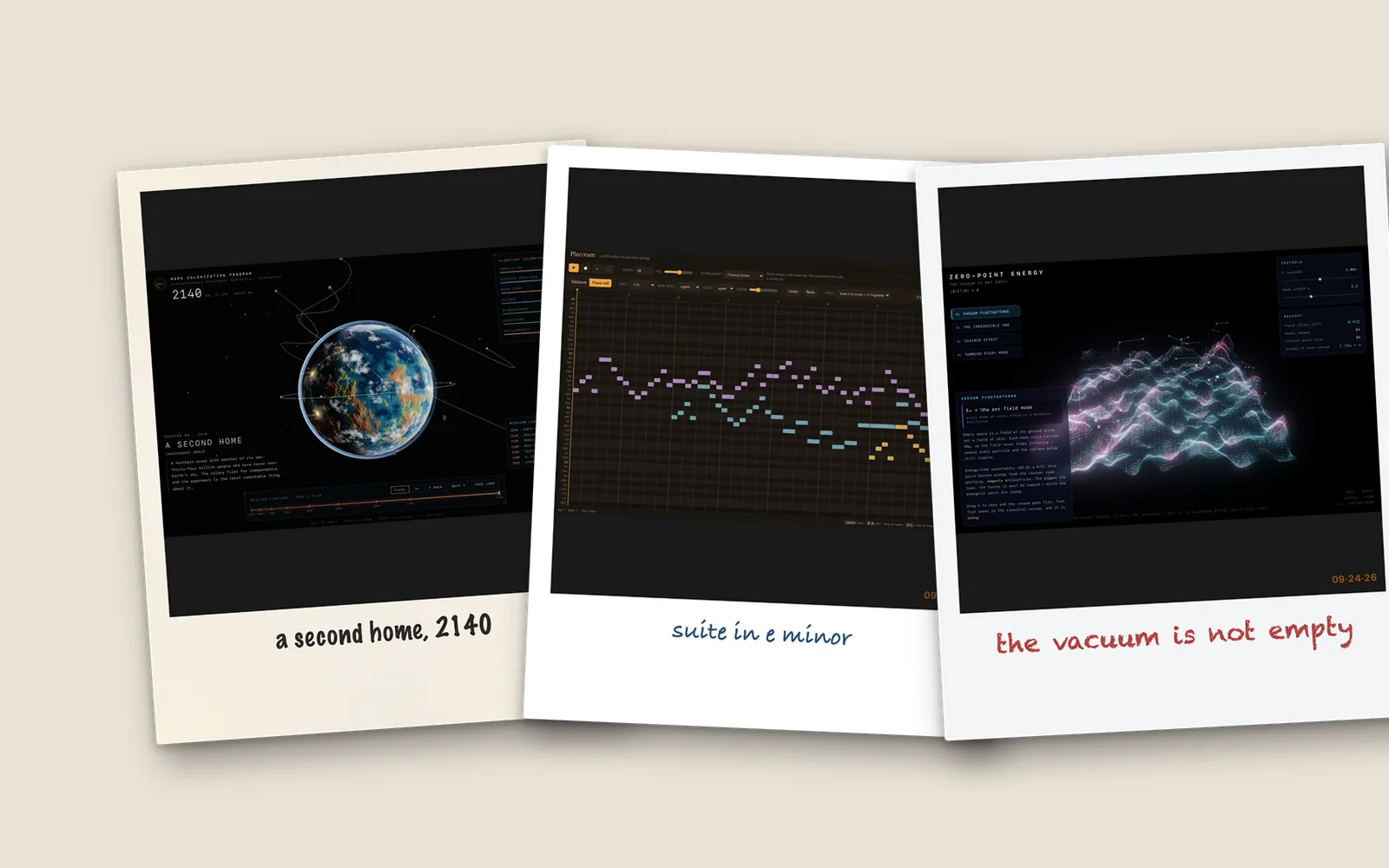
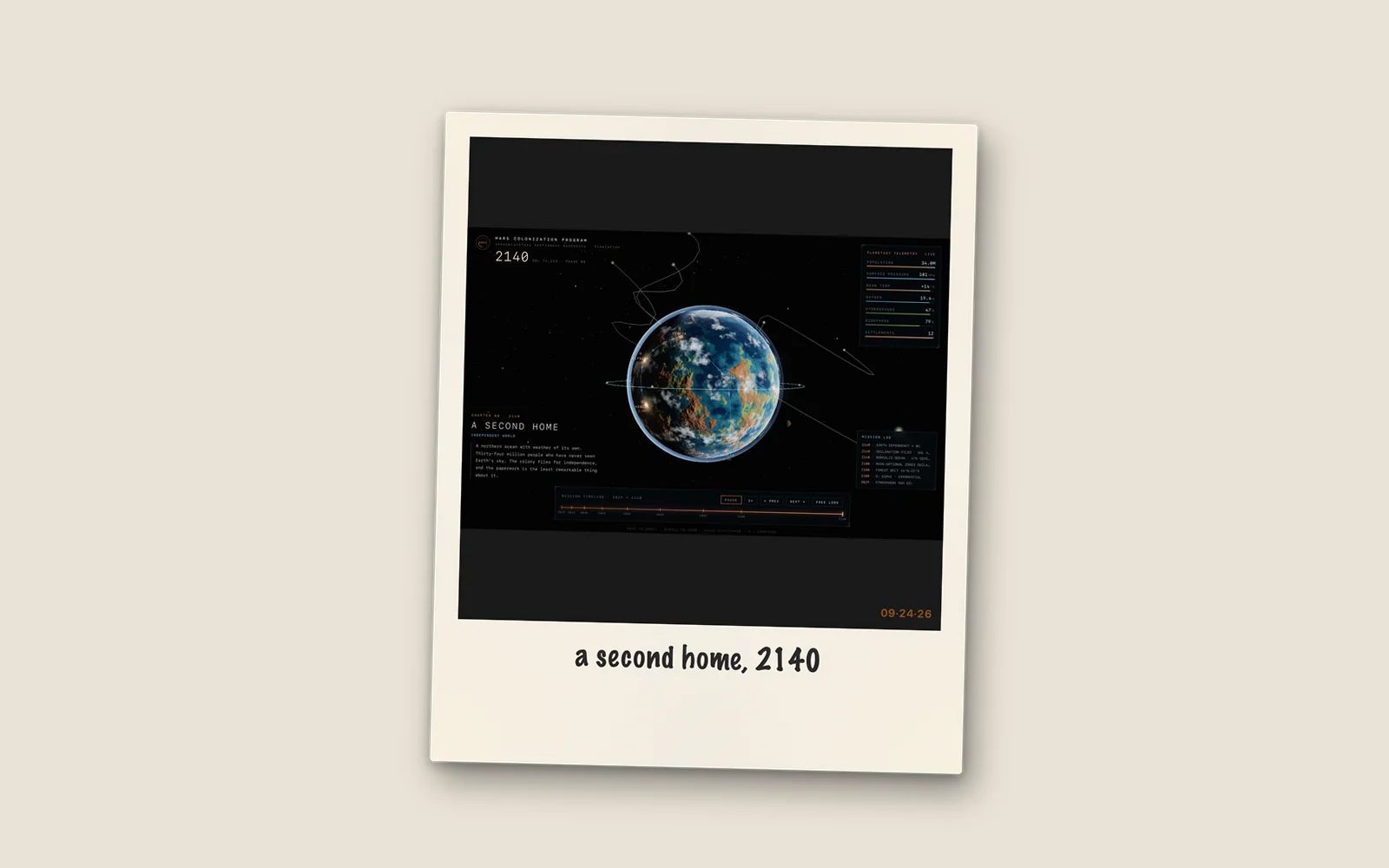
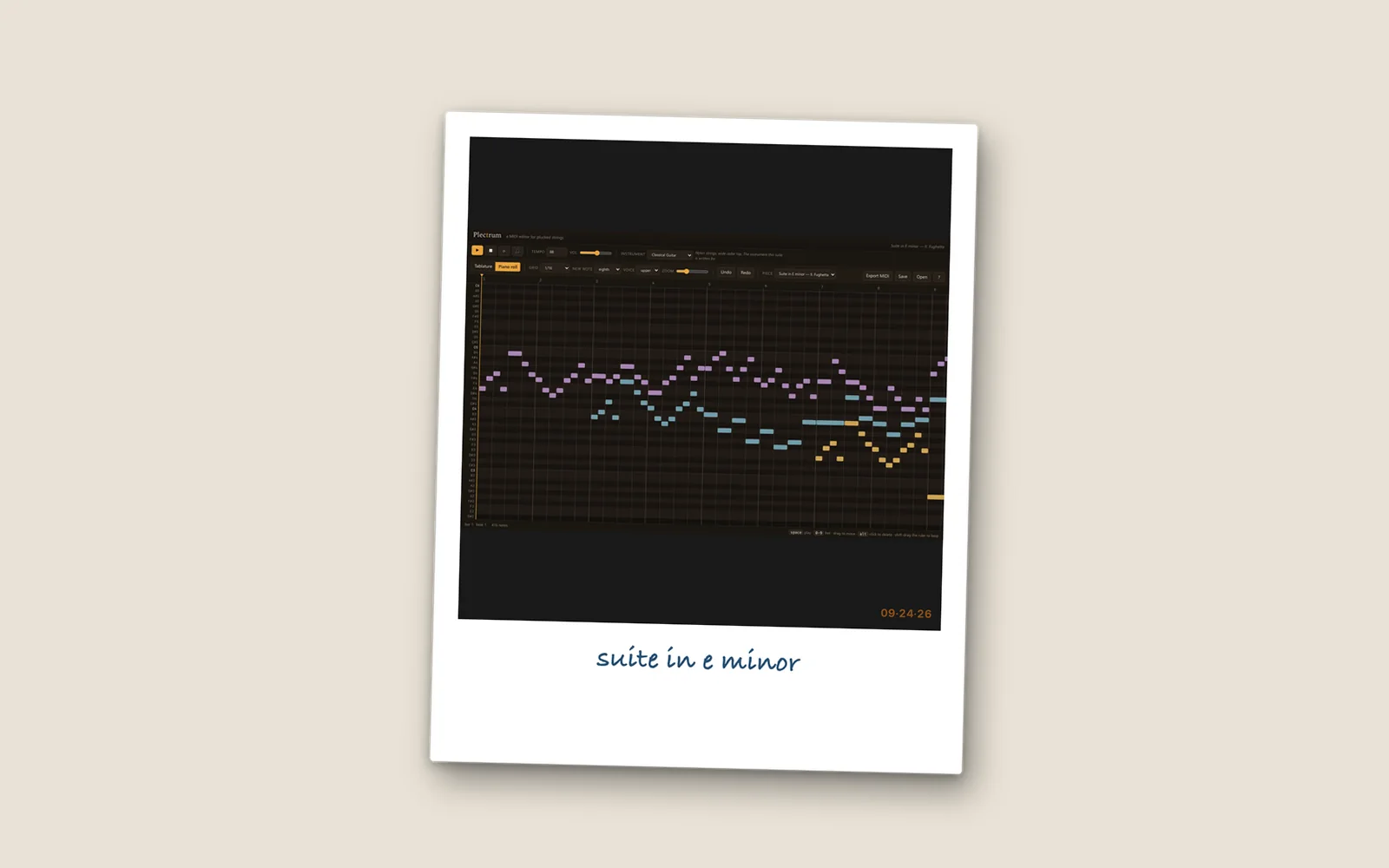
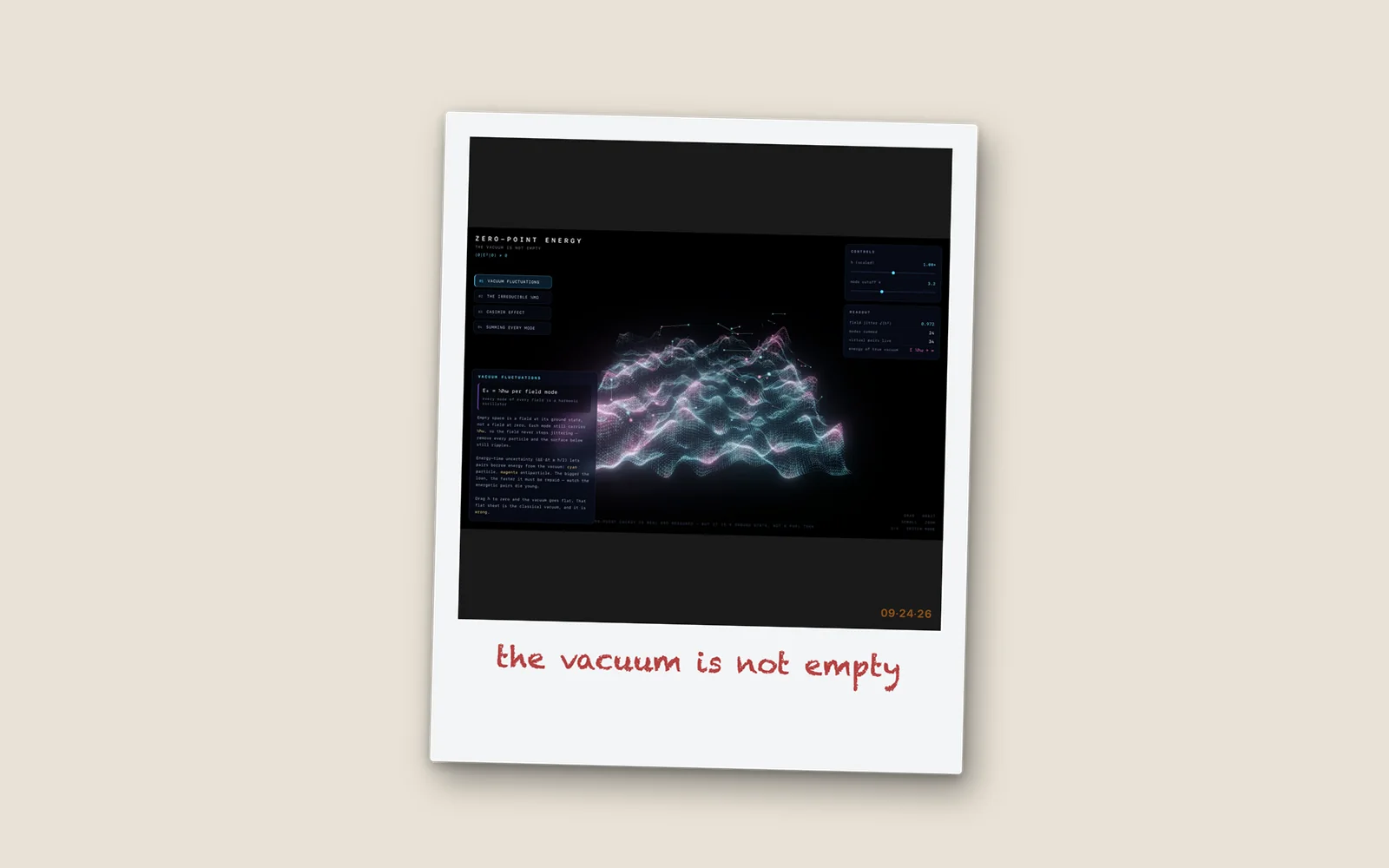
Polaroid watches the Desktop for new screenshots and turns each one into an instant-film print. You can also drag an image in, pick one, or paste it. The frame keeps the real Polaroid proportions — a square photo well over a thick bottom border — and the paper is drawn by the app itself in Core Graphics: clean white, aged cream, worn or cool gray, each with its own grain and scuffs. A new print drops in and develops from sepia to full color. Tap the border to write a caption of up to 60 characters in Marker Felt, Bradley Hand or Chalkduster, in one of six inks, with an optional date stamp taken from when the screenshot was made. Export saves a PNG, copies it or its path, or opens the share sheet, as a full Polaroid or just the photo. Recent prints live in the menu bar. It makes no network calls and has no accounts or analytics.
Anyone who posts screenshots and wants them to look like something you'd pin to a wall.
The screenshots here were not drawn: they are PNGs produced by Polaroid's own PolaroidRenderer and PaperTextureGenerator, called from a small harness on screenshots of other NoSleepLab apps, then laid out side by side.
The wide screenshots sit letterboxed inside the square photo well, because that is what the app does with them.
The code is public, but there's no packaged release yet. Build it from the repository today, or leave an email and hear when there's one you can double-click.
macOS · Desktop
Messages from the one person you cannot miss — they land center-screen, not in a banner
macOS · Desktop
Keep one corner of a window in sight — a live crop of it, floating above whatever you are doing
macOS · Desktop
Search for the thing you saw on screen last Tuesday and never saved anywhere
macOS · Desktop
Switch projects with one hotkey and get the right apps, files and notes back on screen
macOS · Desktop
Drop a folder of rushes on it and get the total runtime before you quote the edit
macOS · Desktop
Find the moments worth keeping in a two-hour recording and hand your editor a timeline
macOS · Desktop
Press Space on a Markdown, JSON, CSV or code file and actually see it instead of an icon
macOS · Desktop
Answers your iMessage and WhatsApp chats for you, one thread at a time, with ten seconds to stop every reply
macOS · Desktop
The only copy of the photo is 800 pixels wide — make it four times bigger, not four times blurrier
macOS · Desktop
Put the files you would rather nobody opened behind Touch ID, and one hotkey to seal them
macOS · Desktop
Find the right folder by color instead of by reading — tint and label them like the system would