


1on1
macOS · Desktop
Messages from the one person you cannot miss — they land center-screen, not in a banner
Source only
No icon yet — a stand-in
macOS · Desktop
Answers your iMessage and WhatsApp chats for you, one thread at a time, with ten seconds to stop every reply
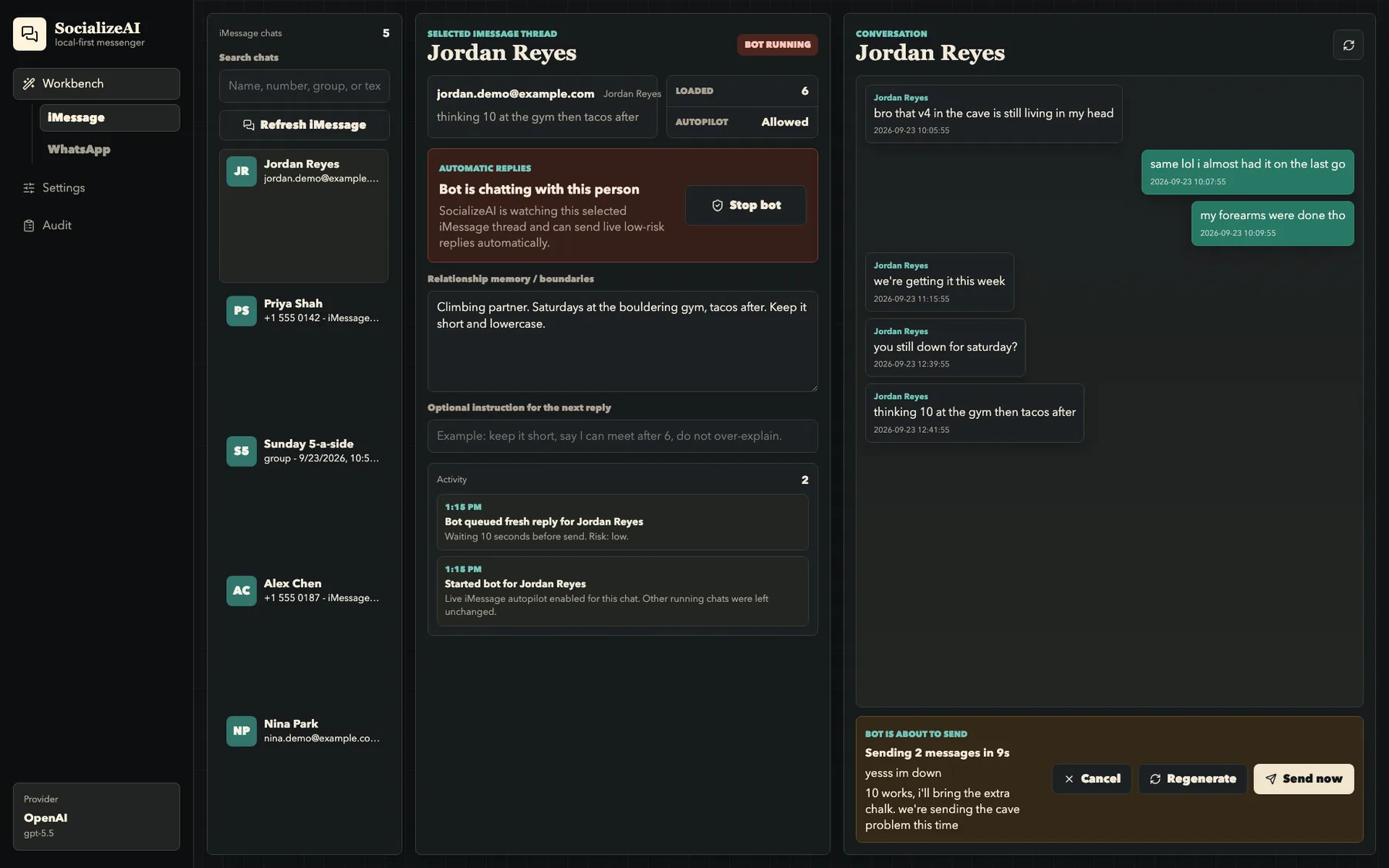

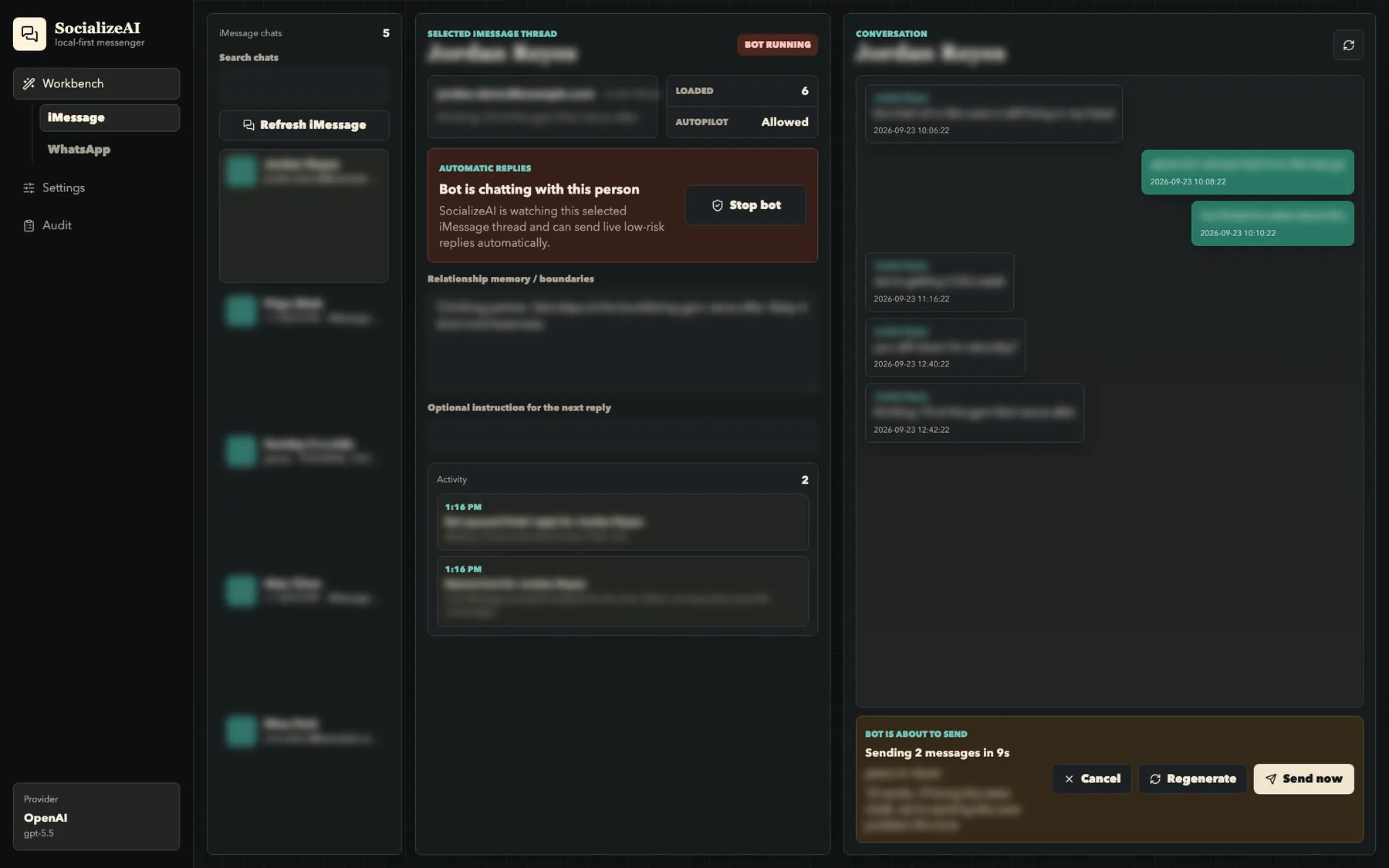

SocializeAI reads your conversations where they already live — iMessage straight from the Mac's Messages database, personal WhatsApp through a local bridge you pair with a QR code — and replies in your voice. Pick a chat and press Start bot: it reads the thread, writes the reply, and holds it on screen for ten seconds with Cancel, Regenerate and Send now before anything goes out. Each chat keeps its own relationship notes, so it knows that your climbing partner wants short lowercase texts and your landlord doesn't. It sends two or three short messages when that's how a person would answer, waits while someone is still double-texting, and when a reply needs a fact it doesn't have — a link, an address, a time you never mentioned — it stops and asks you instead of making one up. Four permission modes decide how often it checks with you, from asking before every message to never asking. The model is yours to pick: OpenAI with your own key, or a local model through Ollama so nothing leaves the Mac. A screen-share mode blurs every name, number and message while the controls stay usable.
Anyone who is slow to text back and would rather approve a reply than write it.
The failure that matters in an app that texts for you isn't a clumsy reply — it's a good reply sent to the wrong person.
So every piece of bot state is keyed to the exact chat it belongs to: the pending send, the double-text wait, the held draft, the question it's waiting for you to answer. A reply carries the identity of the chat it was written for, and the send is refused if that no longer matches the chat it's about to go to, so clicking into another conversation during the countdown can't redirect it. The other hard rule is about facts. Asked for a website, a handle or an address that isn't anywhere in the thread, the notes or your prompt, a model will happily invent one; SocializeAI blocks that send and asks you for the real answer, then carries on in the same chat without restarting the bot.
The code is public, but there's no packaged release yet. Build it from the repository today, or leave an email and hear when there's one you can double-click.
macOS · Desktop
Messages from the one person you cannot miss — they land center-screen, not in a banner
macOS · Desktop
Keep one corner of a window in sight — a live crop of it, floating above whatever you are doing
macOS · Desktop
Search for the thing you saw on screen last Tuesday and never saved anywhere
macOS · Desktop
Switch projects with one hotkey and get the right apps, files and notes back on screen
macOS · Desktop
Drop a folder of rushes on it and get the total runtime before you quote the edit
macOS · Desktop
Find the moments worth keeping in a two-hour recording and hand your editor a timeline
macOS · Desktop
Press Space on a Markdown, JSON, CSV or code file and actually see it instead of an icon
macOS · Desktop
The only copy of the photo is 800 pixels wide — make it four times bigger, not four times blurrier
macOS · Desktop
Put the files you would rather nobody opened behind Touch ID, and one hotkey to seal them
macOS · Desktop
Find the right folder by color instead of by reading — tint and label them like the system would