
Deadbolt
Watchdog records who came by; Deadbolt makes sure they couldn't open anything while they were there
macOS · Menu bar
See who walked up to your Mac while you were away — face and motion detection, with every capture staying on the device
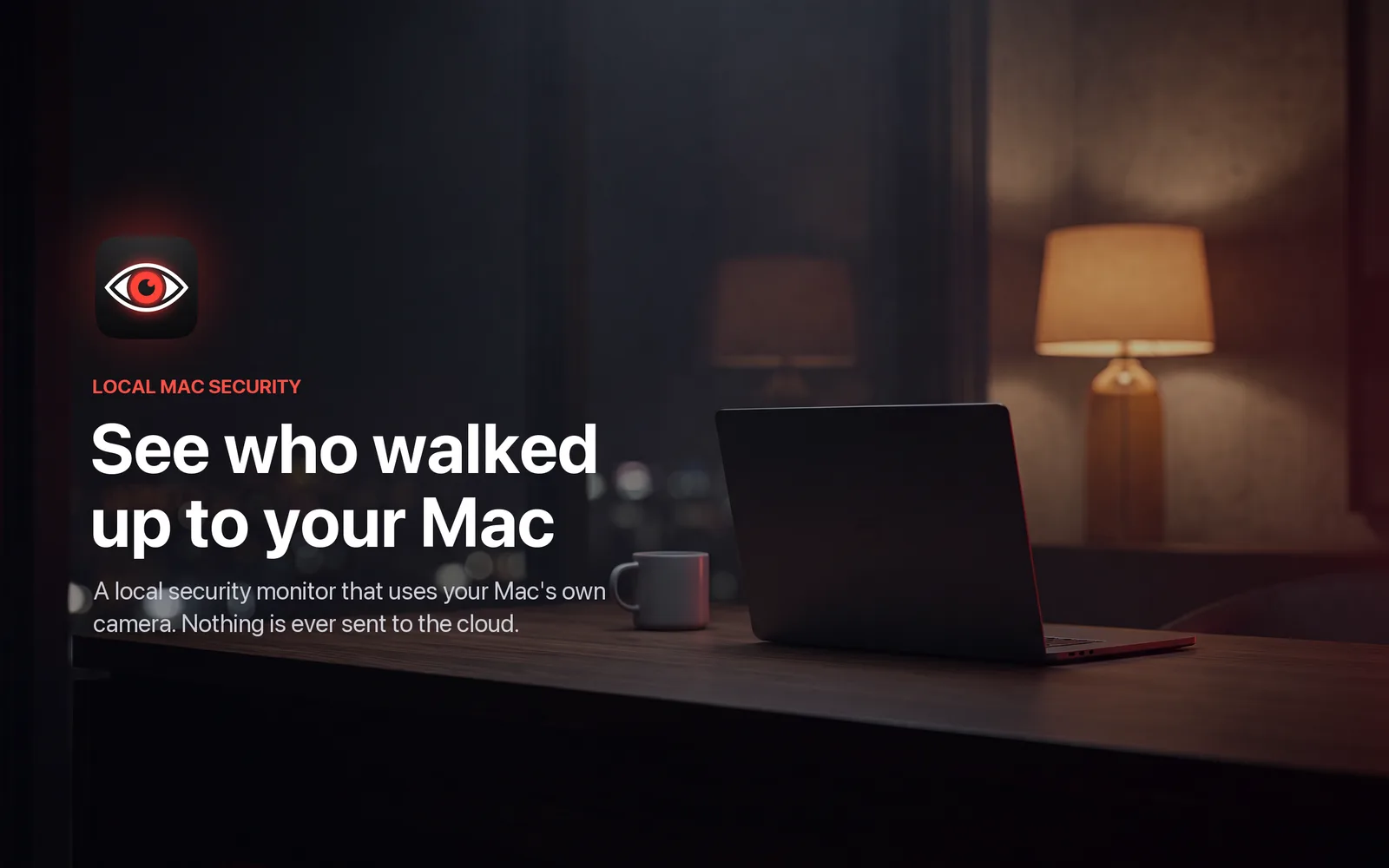
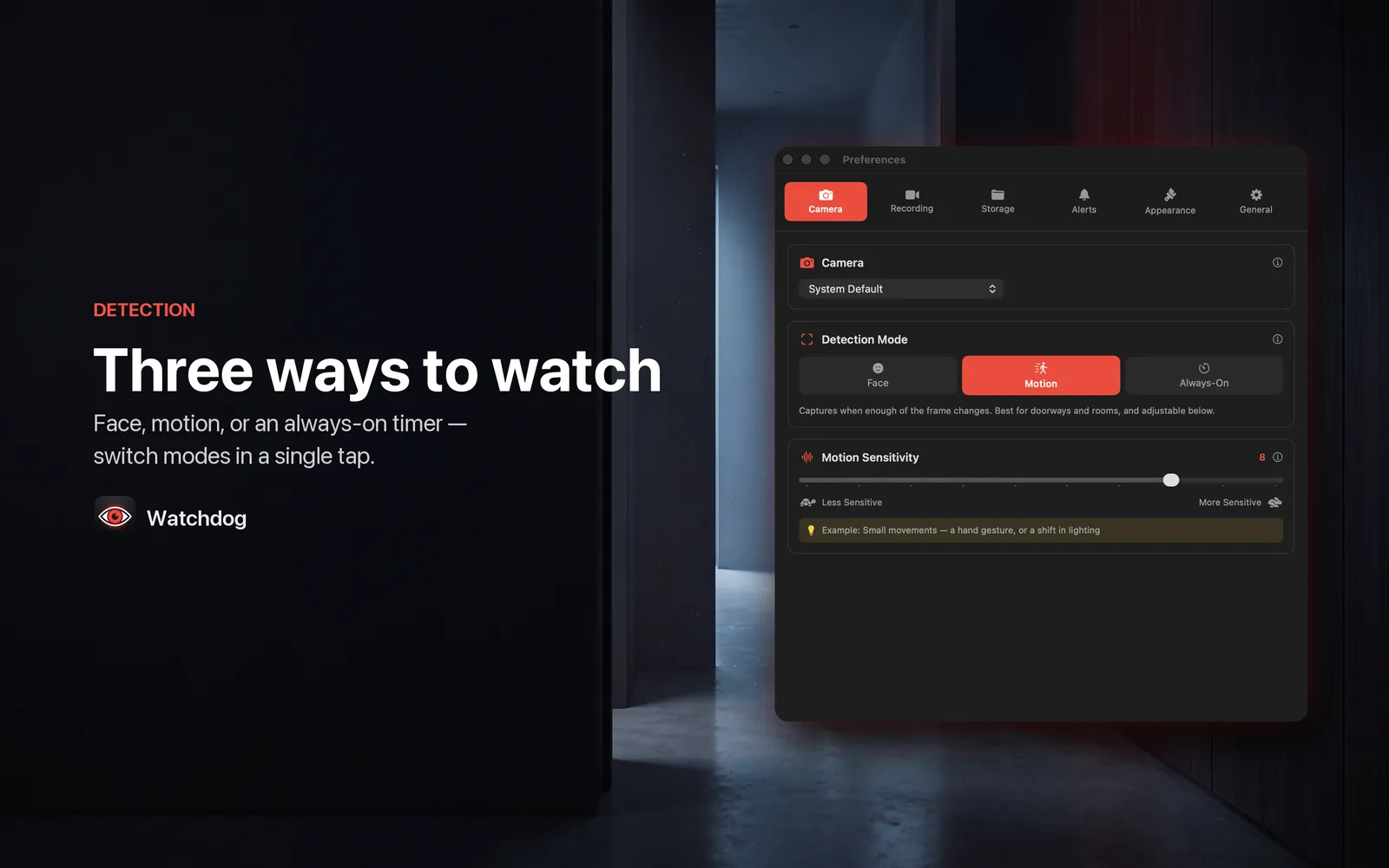
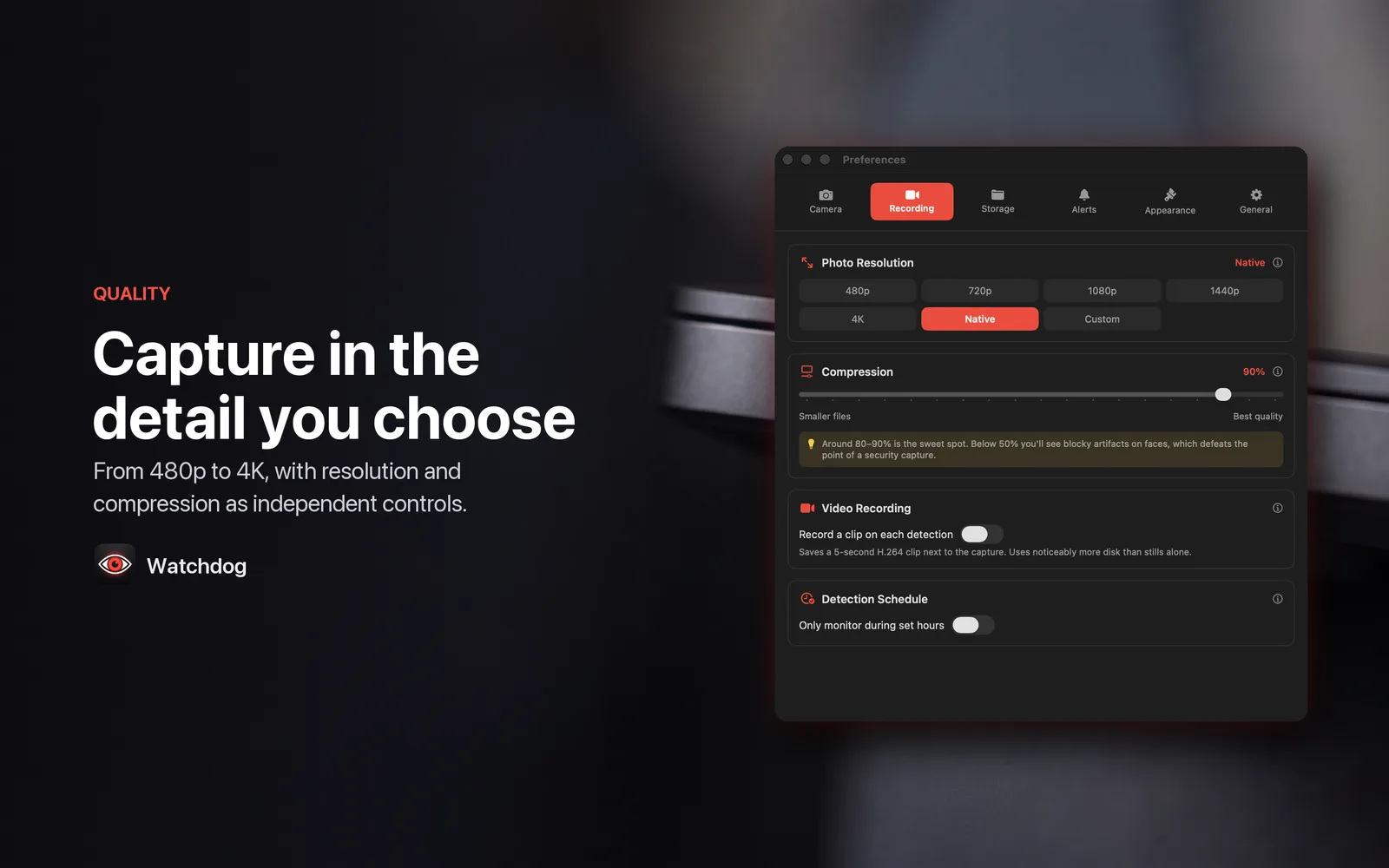
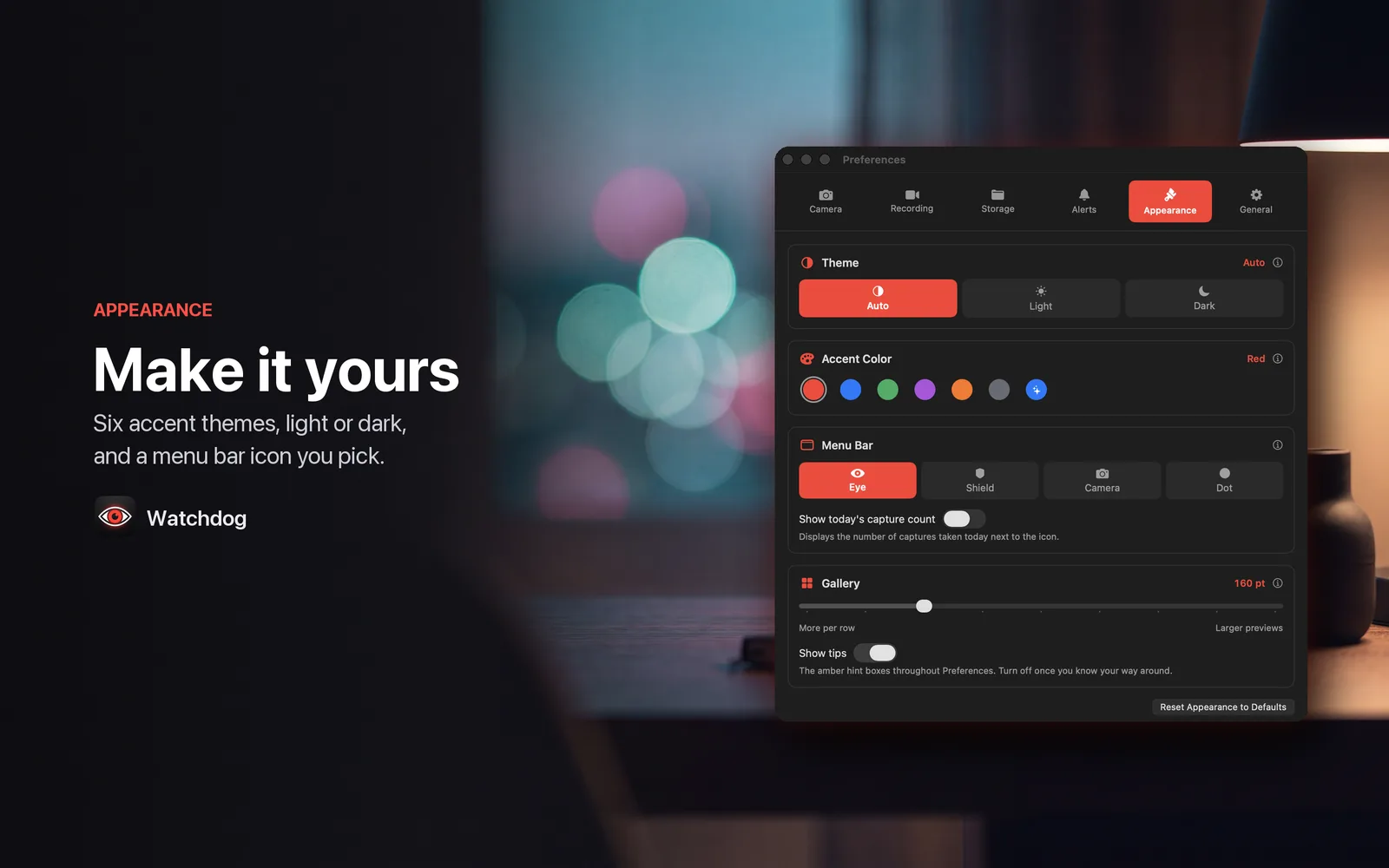
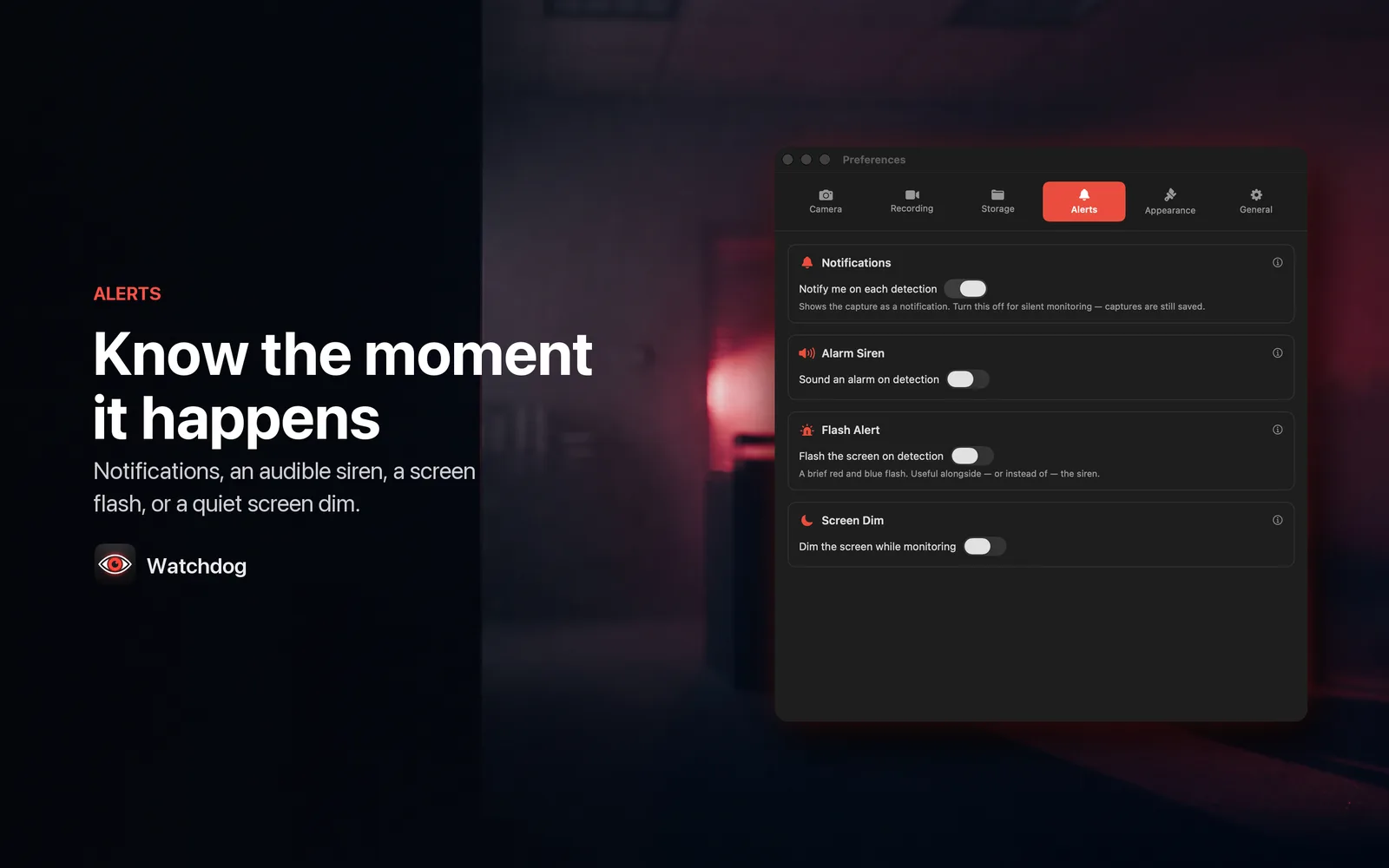
Watchdog is built to watch your own desk through your own Mac's camera. There are three ways to run it: Apple's Vision framework watching for a face, Accelerate comparing frames for movement at a sensitivity you set, or a plain Always-On timer that shoots on an interval anywhere from one second to one hour. Face and motion both wait 3 seconds between triggers, so one person walking past doesn't fill the folder. Resolution and compression are separate controls — 480p through 4K, the camera's native size, or an exact pixel size you type, at whatever JPEG quality you want — because how much detail exists and how cleanly it's stored are different decisions. Captures are written to a folder you pick on this Mac and go nowhere else: the build carries no network entitlement, so it cannot make an HTTP request even if it wanted to — no account, no analytics, no sync, nothing sent to the developer. Monitoring never starts on its own. You read a first-run recording notice, accept it, and switch monitoring on yourself; launching at login starts the app, not the camera. The menu bar icon is visible the entire time, and macOS lights its green camera indicator whenever the camera is open — Watchdog cannot suppress it and doesn't try. Free keeps captures for 3 days. Watchdog Pro is $3.99/month or $29.99/year, and the annual plan starts with a 7-day free trial.
Anyone who wants to know who walked up to their own Mac while they were away from it.
Image quality started as a single Low/Medium/High picker, which turned out to be a lie — all three wrote a full-size frame and only changed JPEG compression, so "Low" saved far less disk than anyone expected.
Resolution and compression are now independent controls, because they trade off differently: resolution decides how much detail exists, compression decides how cleanly that detail is stored. Scaling only ever goes down, too — asking a 720p webcam for 4K would just interpolate detail that was never captured and inflate the file for nothing, so the frame is left alone.
The code is public, but there's no packaged release yet. Build it from the repository today, or leave an email and hear when there's one you can double-click.
macOS · Menu bar
Share your screen with your name and today's date tiled across it, so a leaked frame points home
macOS · Menu bar
Start a long build and everything else steps out of the way until it has finished
macOS · Menu bar
Glance at the menu bar and see how long you have actually been at the screen today
macOS · Menu bar
Hear that your email turned up in a breach from your own Mac, not from a stranger's login
macOS · Menu bar
See which app is drawing the most power right now, and what that costs in carbon
macOS · Menu bar
The banner slid away before you read it — Catch keeps every notification so you can go back
macOS · Menu bar
Notice it is 6pm and not 9pm — every hour arrives as a chime and a panel from the notch
macOS · Menu bar
The thing you copied three copies ago, back at your cursor without leaving the app
macOS · Menu bar
Hand someone your Mac without handing over Messages — the apps you pick ask for Touch ID
macOS · Menu bar
Know how much hotspot data is left while you can still do something about it
macOS · Menu bar
Find the paragraph you typed into a box that lost it, encrypted and searchable on your own Mac
macOS · Menu bar
See every extension and plugin quietly running on your Mac, and switch off the ones you did not ask for